Close Search
ICTEvangelist
search
Menu
  • Home
  • Articles
  • Resources
  • Training
  • Digital Strategy
  • Edtechs
  • Leadership
  • Contact
  • search

Results For "adobe spark"

33 results found

Using Adobe Spark Post and Siri Shortcuts to make animated gifs Blog Post

Adobe launch Adobe Spark (FREE) for Education Blog Post

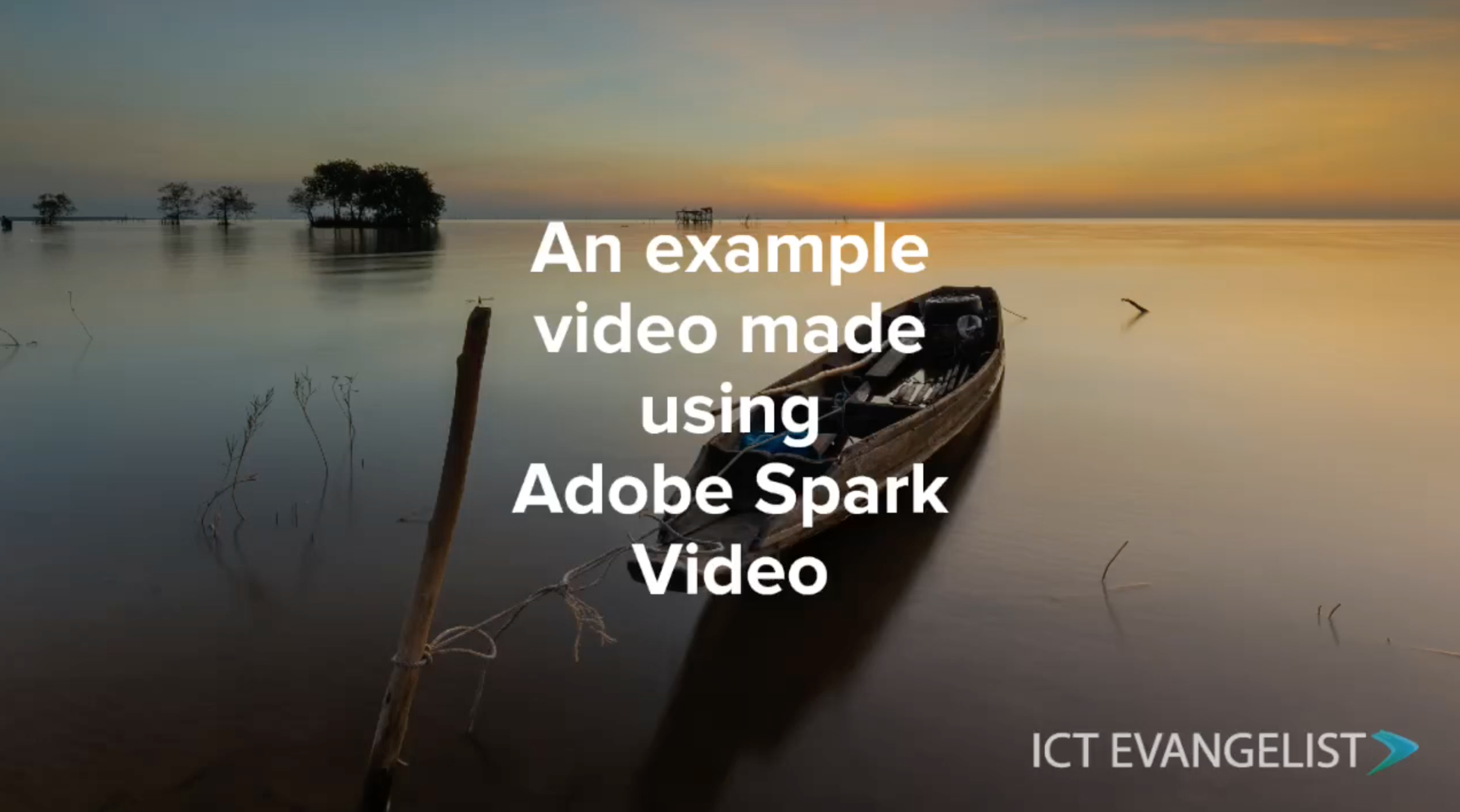
An example video showcasing the features of Adobe Spark Video Blog Post

5 ways to use Adobe Spark Video in the classroom Blog Post

Five ways to use Adobe Spark Post in the classroom Blog Post

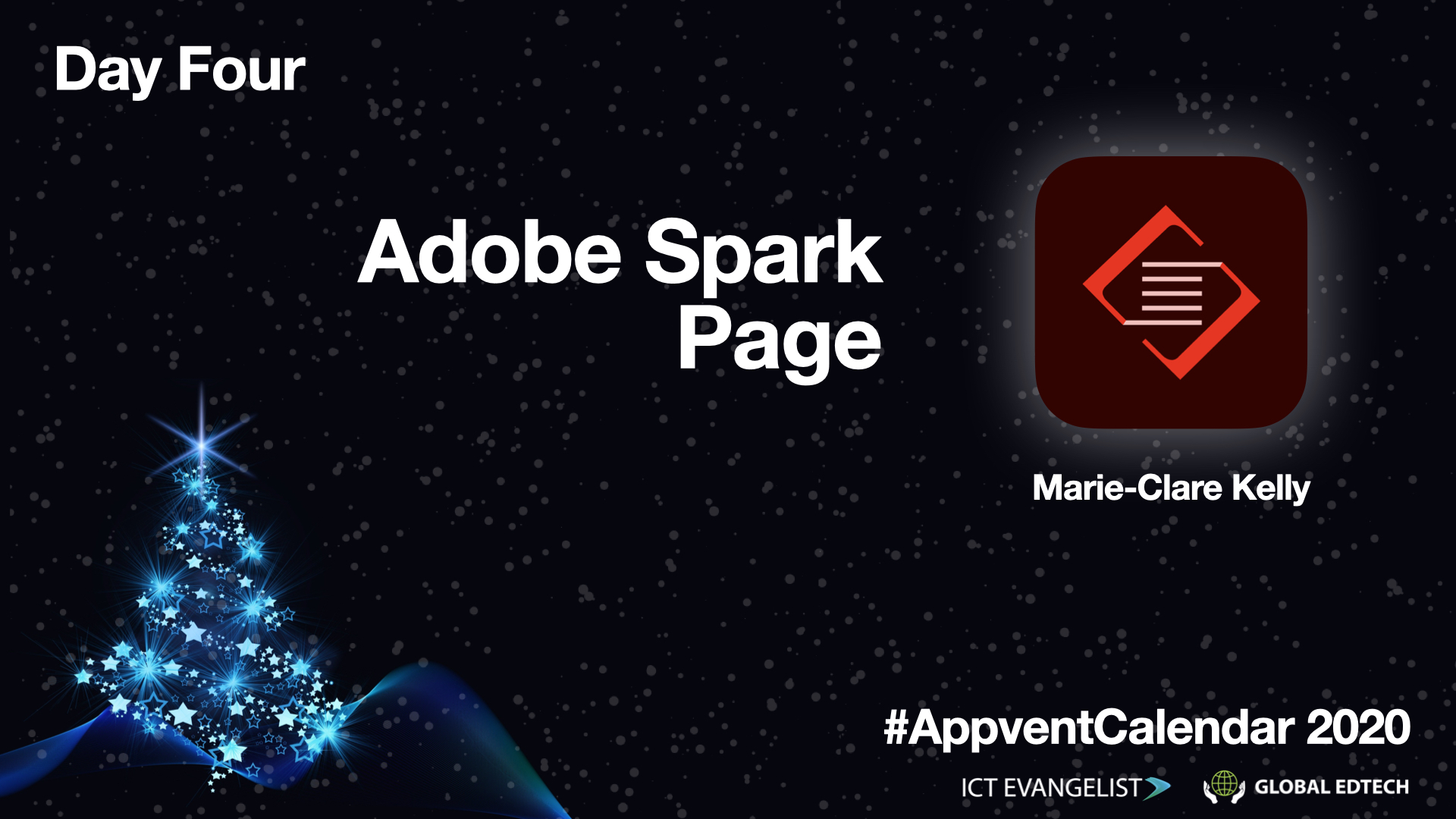
#AppventCalendar Day Four – @AdobeSpark Page, by @eLearnMissKelly Blog Post

AppVent Calendar Day Eighteen – @AdobeSpark! Blog Post

Using project sharing and collaboration in @AdobeSpark Blog Post

The best feature in @AdobeSpark Page you didn’t know about! Blog Post

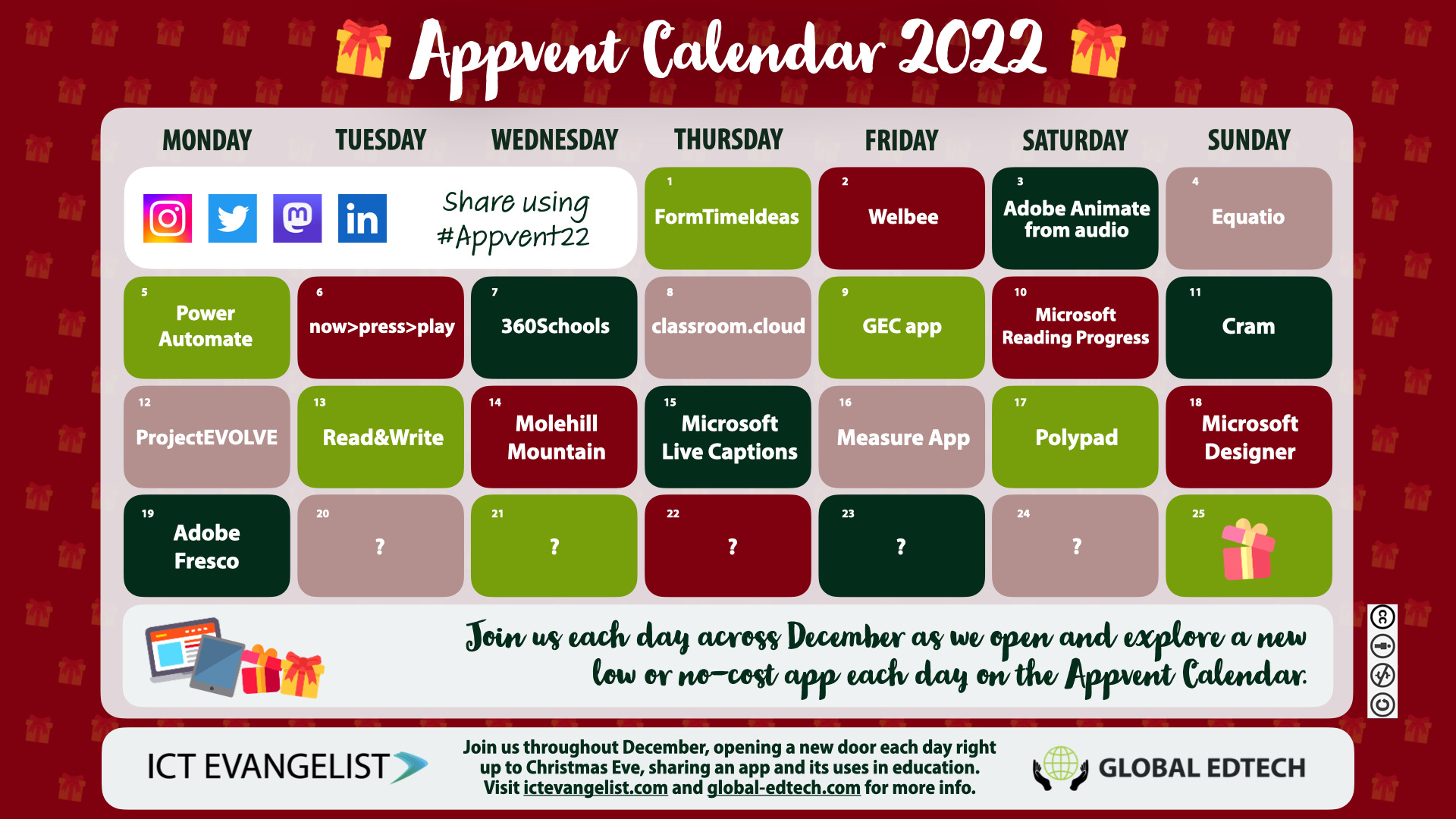
Day 19 – Adobe Fresco by @adobe is today’s reveal on #Appvent22, written by @TechyLeaderEDU Blog Post

  • 1
  • 2
  • 3
  • 4
  • Next
Want to work with me? Click here to get in touch

Recent posts

  • The 2026 AI Almanac for Educators is Here January 14, 2026
  • BBC Bitesize Guide to AI October 22, 2025
  • AI Policy Template for Schools 2026: Free Download + DPIA Screening Tool July 23, 2026
  • Pedagogy First, Technology Second: The Complete Free Guide June 17, 2026
  • 24 Ways to Embed Metacognition & Self-Regulation in Your Classroom June 10, 2026

Recent Projects

no image added yet.

License

Creative Commons Licence
This work by Mark Anderson is licensed under a Creative Commons Attribution-NonCommercial-NoDerivs 3.0 Unported License.

Privacy Policy

The Privacy Policy for this site can be viewed by clicking here.

© 2026 ICTEvangelist. All rights reserved, Mark Anderson

  • twitter
  • facebook
  • vimeo
  • pinterest
  • linkedin
  • youtube
  • RSS
  • google-plus
  • instagram
  • soundcloud
Close Menu
  • Home
  • Articles
  • Resources
  • Training
  • Digital Strategy
  • Edtechs
  • Leadership
  • Contact
ICTEvangelist
Manage Consent

I use a few cookies to keep this site working, and Google Analytics to see how it's being used so I can make it better. None of it is for advertising. Accept, reject, or choose what you're happy with.

Functional Always active
Always on. These make the site work and remember basic things like your choices. Nothing here tracks you, and the site can't run without them.
Preferences
The technical storage or access is necessary for the legitimate purpose of storing preferences that are not requested by the subscriber or user.
Statistics
The technical storage or access that is used exclusively for statistical purposes. This is Google Analytics. It shows me how the site's used, which pages get read and where people come from, so I can make it better. It's anonymised, never used to identify you, and never for advertising. Switch it off if you'd rather I didn't count your visit.
Marketing
I don't use these. They'd be for advertising or tracking you across other websites, and I don't do either. It's here for completeness, and it's off.
  • Manage options
  • Manage services
  • Manage {vendor_count} vendors
  • Read more about these purposes
View preferences
  • {title}
  • {title}
  • {title}